
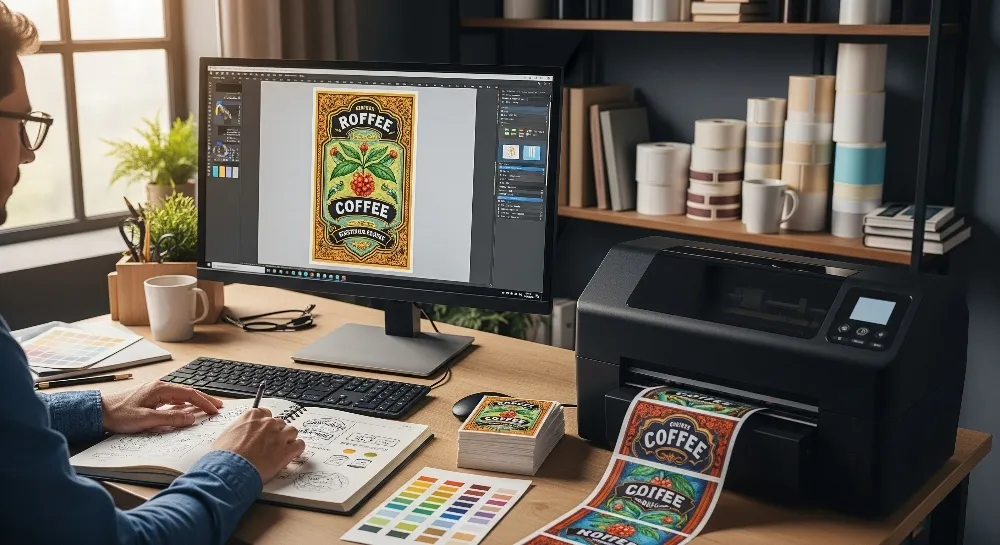
People often want custom labels for sorting, branding, or mailing. They can make these labels online. They can go to a local print shop. They can also use DIY ways at home. Many simple and cheap choices are available for all. Experts say more people want personalized labels now. Digital printing and online shopping help this grow everywhere. Making custom labels is now easy for people and companies.
Key Takeaways
You can make custom labels online, at print shops, or at home. Online sites have easy tools and many templates. You can order any amount of labels and get fast shipping. Local print shops give personal help and quick service. They have many materials but may cost more for small orders. Making labels yourself gives you full control and saves money. It is good for small batches but you need a printer and some skill. Pick the way that fits your label amount, budget, design, and how fast you need them.
Online Custom Labels
Online Platforms
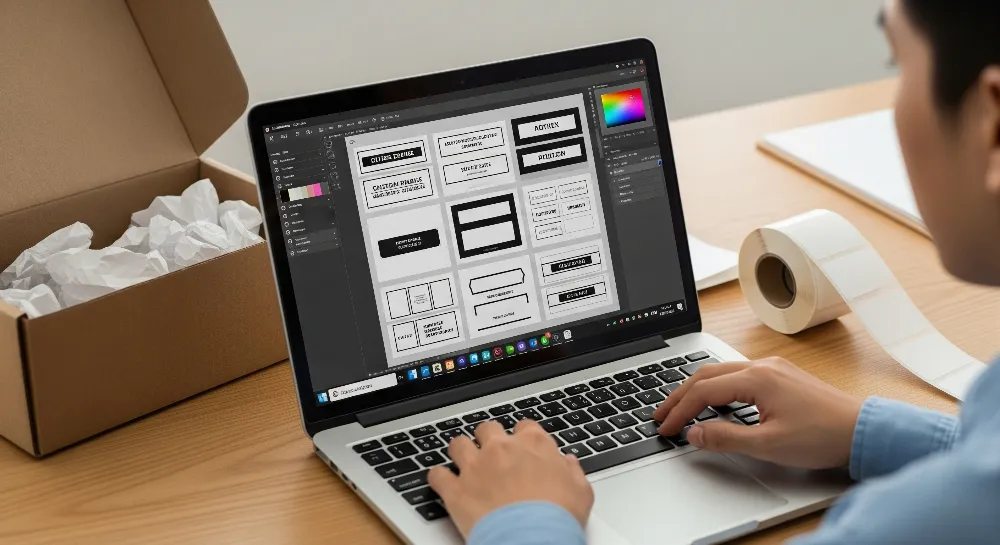
Lots of people use online platforms to make custom labels. These websites have simple tools and quick service. Here are some popular choices:
Platform | Key Features & Strengths | Intended Users & Popularity Indicators | Cost |
|---|---|---|---|
Canva | Web-based, many templates, easy for beginners | Individuals, small businesses | Free/paid |
Avery | Label templates, direct printing, wide material selection | Home users, offices | Low ($$) |
Sticker Mule | Custom shapes, fast shipping, waterproof options | Small businesses, creators | Medium ($$) |
Vistaprint | Bulk orders, business branding, many finishes | Businesses, event planners | Medium ($$) |
Thermalabels.com | Thermal printing, shipping labels, barcode support | E-commerce, logistics | Medium ($$) |
Maestro Label Designer | Barcode/QR code, scalable for large orders | Businesses needing scale | Free |
Adobe Express | Professional design tools, creative templates | Designers, marketers | Free/paid |
These sites let you make product labels, shipping labels, and stickers. You can use them for many different things.
How to Create
Most online label services use a simple process:
Pick the label material you want.
Upload your design file to the website.
Choose the size and shape for your label.
Decide how many labels you need.
Check the digital proof and order your labels.
Tip: Many websites have free templates to help you get started fast.
Features and Printing
Online custom label services have lots of features for different needs:
Materials: Pick paper for normal use or vinyl for waterproof labels. Some sites have clear, kraft, or special materials.
Finishes: Glossy labels shine. Matte labels look smooth and do not reflect light.
Cutting Styles: Die-cut labels have special shapes cut out. Kiss-cut labels peel off but keep the backing sheet whole.
Printing: Most sites give free digital proofs. They ship orders quickly, usually in 2-3 business days.
Order Size: Many platforms let you order just a few labels. This helps small businesses save money.
These features make it easy to find the right website for custom labels. You can make DIY labels at home or order professional labels online.
Local Print Shops
Finding a Shop
Many people go to local print shops for custom labels. Some popular places are Staples, FedEx Office, UPS, and Walmart Business Print. You can search online for “custom labels near me” to find one close by. Local shops give personal help and finish orders fast. The staff can help you pick designs and materials. This makes it easier if you are new to making labels.
Ordering Process
Before you visit a print shop, get your design files ready. Bring a USB drive or email your file to the shop. This helps the staff get your design fast. Know what size, shape, and number of labels you want. You can also bring a sketch or example to show your idea. If you do not have a design, many shops have templates you can use.
Local print shops have many materials and finishes to pick from. The table below lists some common choices:
Material / Finish Type | Examples / Details |
|---|---|
Paper Types | White Matte, White Gloss, Weatherproof, Removable, Recycled, Brown Kraft, Freezer Grade |
Film Types | White Film (BOPP), Clear Film (BOPP), Metallized |
Finishes | Laminated, Gloss Overlay, Matte Overlay, Oil Resistant, Water Resistant, Weatherproof, Handwritable |
Formats | Sheets, Rolls, Stickers |
After you send your design, you will check a proof. This can be digital or printed. Most shops finish orders in 2 to 4 business days. If you need it faster, rush service is often available.
Working with Staff
Talking clearly with the staff helps you get better labels. You should:
Give a clear design brief with all project details.
Follow your brand’s color and style rules.
Use images that are high quality, at least 300 DPI, and add a 0.125-inch bleed.
Talk about colors and ask for a proof before they print everything.
Give feedback and ask questions while they work on your order.
Tip: Bring a sample or color swatch to help match colors.
Doing these things helps make sure your custom labels look good and meet your needs.
DIY Custom Labels
Design Software
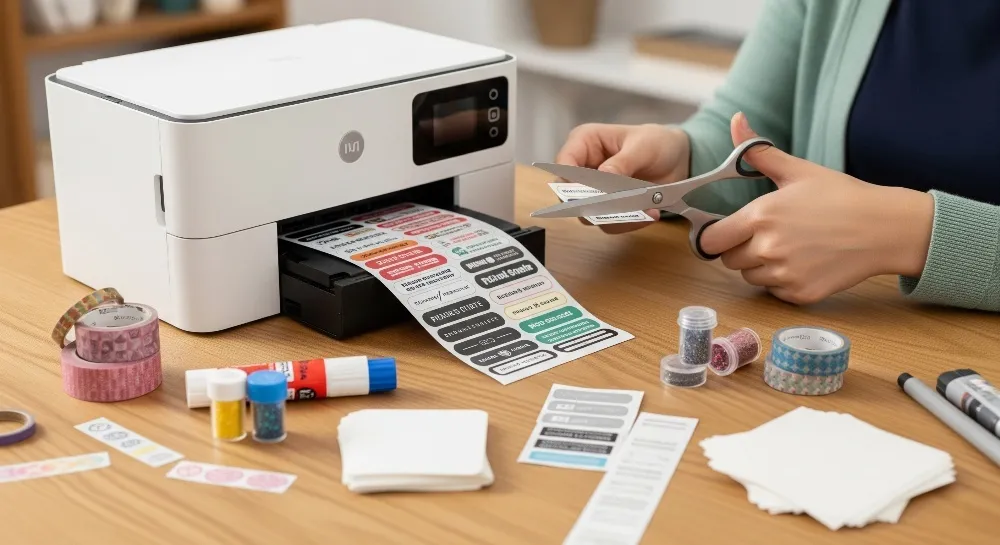
People can make custom labels at home. There are many design software tools to use. Beginners like Canva and Avery Design & Print Online. These platforms have easy drag-and-drop tools. They also have lots of free templates. Canva helps users make stickers and shipping labels fast. Avery Design & Print Online lets you make barcodes and nutrition labels. This is good for small businesses. Microsoft Word is another choice for simple label templates. It is easy to edit labels in Word. Professionals use Adobe Illustrator or Adobe Creative Suite. These tools help make advanced designs and perfect artwork. Maestro Label Designer is good for people who order from Online Labels. It has auto-alignment features.
Software Tool | Key Features & Strengths | Best For |
|---|---|---|
Avery Design & Print | 3000+ templates, barcode & nutrition label support, browser-based, variable data printing | Beginners to pros needing full label control |
Canva | Drag-and-drop interface, many free templates, brand consistency, AI image generation | Creatives and small businesses |
Maestro Label Designer | Barcode & nutrition label tools, templates matching Online Labels, auto-align features | Small businesses using Online Labels |
Microsoft Word | Familiar interface, downloadable templates, no extra cost if Microsoft 365 owned | DIYers wanting simple, basic label design |
Adobe Creative Suite | Pro-level tools, vector artwork, AI-powered features, pixel-perfect customization | Professional designers and branding agencies |
Tip: Start with free templates to learn how to make product labels or stickers.
Printing at Home
Printing labels at home gives you control. Inkjet printers are best for colorful labels and crafts. They print custom sizes and bright colors. Laser printers are good for printing lots of labels. They make sharp black-and-white labels that do not smudge. Color laser printers print full-color labels fast. These labels do not smudge easily. You need to match the label material to your printer. Inkjet labels work with inkjet printers. Laser labels work with laser printers. Some people use thermal label printers. These print neat black-and-white labels quickly. They do not need ink or ribbon.
Printer Type | Ideal Use Case | Key Features | Recommended Models |
|---|---|---|---|
Inkjet Printers | Colorful, photo-quality labels, craft projects | Handles custom sizes, vibrant color output | Canon PIXMA TR8620a, HP OfficeJet Pro 9125e |
Monochrome Laser | Sharp, smudge-resistant black-and-white labels | Fast, reliable bulk printing on matte sheets | Brother HL-L2350DW |
Color Laser | Full-color sheet labels, growing home business | Quick, smudge-proof color printing | Brother HL-L8360CDW |
Note: Check your printer specs before printing labels. Use the right label sheets for the best results.
Templates and Materials
Picking the right label sheets and templates helps you get good results. Avery, Stomper, Neato, and Maco are popular brands. SheetLabels.com has many shapes like round, square, rectangle, oval, and triangle. Waterproof and weatherproof labels are good for bottles and outdoor use. Textured materials like Estate #9 and Classic Crest Felt look fancy. You can find templates for address, food, cosmetic, and chemical labels. Blank printable labels cost less than buying online or in stores. This makes DIY labels at home cheap for small businesses and events.
Popular label types: waterproof, weatherproof, inkjet printer labels, laser printer labels
Common shapes: round, square, rectangle, oval, triangle, unique shapes
Best uses: beer labels, supplement labels, water bottle labels, wine bottle labels, address labels, cosmetic labels, food labels
Tip: Use high-resolution images for the best look. Test print one sheet before printing many labels.
Choosing the Best Option
Needs and Budget
Picking the best way to make custom labels depends on a few things. People should think about how many labels they want. They should also think about how hard the design is. It is important to know how fast they need the labels. They must also decide how much money they can spend.
How many labels you need matters. If you need a lot, use online printing or a local print shop. If you only need a few, making them at home is better.
If your design is tricky or special, you may need help from a pro or use special software.
The price for each label changes with the way you make them. Making labels at home is cheaper for small amounts. For big orders, pro printing saves money.
How fast you get your labels is important. Local shops can finish fast. Online sites may take longer because of shipping.
If you make labels at home, you need to buy a printer and design software.
You have more control if you make labels yourself. You can change things any time you want.
Some ways are easier than others. Local shops are easy to visit. Online sites let you order from your house.
Method | Notes | |
|---|---|---|
Online Digital Printing | None | Good for any amount |
In-Store/Traditional | 50 to 250 | Best for medium or big orders |
DIY Custom Labeling | None | You pick how many you make |
People should also think about what kind of label they need. Sheet labels work well with home printers. Roll labels need special machines and are good for big jobs.
Tip: Always pick a label size and shape that fits your product for the best look.
Pros and Cons
The table below shows the main ways to make custom labels. It tells who should use each way. It also lists the good and bad things about each choice.
Method | Best For… | Pros | Cons |
|---|---|---|---|
Online | Small to large businesses, anyone needing flexible orders | Easy to use, lots of templates, open all day, quick design, low minimums, good price for big orders | Wait for shipping, less control if you want to change things last minute, takes longer to arrive |
Local Print Shop | People needing quick turnaround, those who want personal help | Fast pickup, staff can help, you can check before printing | Costs more for small orders, mistakes can happen when putting on labels, sizes may not match, may not look as nice as pro packaging |
DIY | Hobbyists, small batches, those wanting full control | You control everything, can change anytime, no minimum, cheap for small amounts, can try new ideas | Need to buy equipment, takes time, quality may change, ink can fade, labels may not line up, not good for big orders |
Many people pick online label printing because it is easy and has lots of templates. These sites let you change fonts, colors, pictures, and layouts. Some tools help you finish faster. Online sites also have good prices for small business owners who need different amounts.
Local print shops are fast and give personal help. Staff can help you pick materials and designs. But putting on labels by hand can cause mistakes. If you order labels and packaging separately, it might take longer.
Making labels at home gives you control and lets you change things fast. You can print only what you need. This works well for small amounts, but the quality may not always be the same. Problems like faded ink or labels not lining up can happen, especially if you make a lot.
Note: Do not make mistakes like picking the wrong glue, ignoring the shape of your product, or using the cheapest materials. These mistakes can make your labels not work well and waste your money.
Making labels is easy for everyone. You can use online sites, local shops, or your own printer. Many people begin with simple labels like address or product labels.
Tool/Method | Best For | Key Benefit |
|---|---|---|
Canva | Beginners, small businesses | Easy-to-use templates |
Microsoft Word | Home users | Ready-made label templates |
Professional Shops | Businesses, large orders | Fast and high-quality labels |
Experts say to start with small projects. Keep your label design clear and the same each time. The right tools help anyone make labels that look great.
FAQ
Where can someone find affordable custom labels for small business?
Many online sites sell cheap custom labels for small businesses. Avery, Sticker Mule, and VistaPrint let you order a few or many labels. They give discounts if you buy a lot. Local print shops also help small businesses save money.
What is the best website for custom labels?
Canva, Avery, and OnlineLabels.com are top sites for custom labels. These websites have free templates and easy design tools. You can print stickers and shipping labels fast.
How does someone make waterproof labels at home?
People can buy waterproof label sheets for inkjet or laser printers. Pick a waterproof template and print your design. Wait for the ink to dry. Laminating the label makes it last longer.
Can someone create custom product labels using label templates?
Label templates help people make custom product labels fast. Avery and Maestro Label Designer have templates for food, cosmetics, and shipping labels. You can add logos, words, and colors.
Are there custom labels near me for same-day pickup?
Local print shops like Staples, FedEx Office, and UPS make custom labels nearby. You can order online or go to the store. Many shops let you pick up your labels the same day or next day if you need them fast.
Ready to make your own custom labels? Go to our custom label product page and start designing now!