
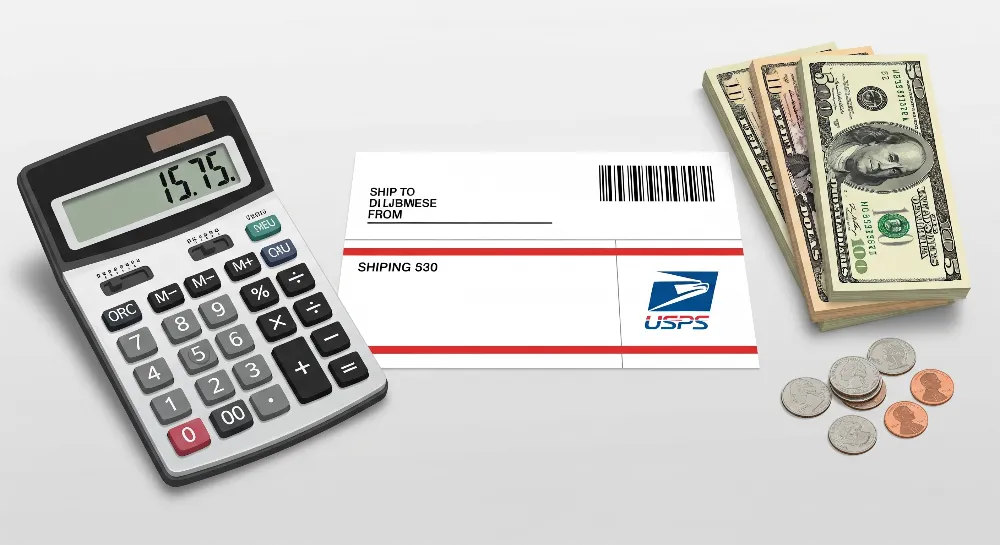
Many people ask about the USPS charge for making a shipping label. USPS does not charge for making a label online. You only pay for postage. Some services, like Label Delivery, add a $1.55 fee. Businesses that know USPS charge details can save a lot of money each year. The table below shows how companies like BookPal and DHC Supply saved money. They knew what to pay for and how to avoid extra fees.
Business Name | Savings Description | Approximate Annual Savings |
|---|---|---|
BookPal | Saved by using Priority Mail Cubic Pricing | $5,000 each year |
The Better Skin Co. | Cut shipping costs by using Commercial Base Pricing | 30% less each year |
DHC Supply | Saved by using Priority Mail Regional Rate Boxes | $1,200 each month (~$14,400 each year) |
Key Takeaways
USPS does not make you pay to make shipping labels online. You only pay for postage and extra services you pick. Printing labels at home helps you save money. You do not pay the $1.55 fee for USPS to print and mail labels. Weigh and measure your packages the right way. This helps you avoid extra fees and delays from wrong package details. Use online tools and discounts to get the best shipping rates. This helps you save money on postage costs. You can drop off packages at USPS places. You can use self-service kiosks. You can also schedule free pickups to make things easier.
USPS Charge for Shipping Labels
Label Creation vs. Postage
Some people think USPS charges for making shipping labels. USPS does not charge for making a label online. The USPS Domestic Mail Manual says shipping labels show you paid for postage. You must pay for postage before USPS takes your package. USPS does not charge extra for the label itself. The USPS Print Label service lets you make prepaid labels online. This label has the address and postage together. You pay for postage when you make the label. USPS does not ask for more money for the label. You only pay for the postage to ship your package.
Tip: Always check the postage before you print labels. USPS will not take packages without the right postage.
Label Delivery Service Fee
USPS has a Label Delivery Service for people who cannot print at home. With this service, USPS prints and mails the label to you. USPS charges $1.55 for each label they deliver. This fee pays for printing and mailing the label. You still need to pay for postage with this service. The $1.55 fee is not part of the postage cost. If you print labels at home, you do not pay this fee. Most online sellers print labels at home to save money.
Service Type | USPS Charge for Label Creation | Postage Required | Additional Fee |
|---|---|---|---|
Online Label Creation | $0 | Yes | None |
Label Delivery Service | $0 | Yes | $1.55 |
Other Possible Fees
USPS may add extra fees for some packages or special handling. Some packages need special care because of their shape or what is inside. USPS charges $4 more for non-standard packages. These include:
Cylindrical rolls that are not mailing tubes
Packages or cans made of wood or metal
Packages with more than 24 ounces of liquid in a glass container
Packages with more than 1 gallon of liquid in a metal or plastic container
Packages that roll or lose shape because of what is inside
USPS may change the price after you buy the label if your package needs special handling. Check package rules before you print shipping labels. This helps you avoid surprise fees and delays.
Note: USPS does not hide fees for shipping labels. All charges show up when you make the label. You only pay for postage and any extra services you pick.
What Affects USPS Shipping Label Cost
Mail Class and Service
USPS has different mail classes. Each class has its own price and speed. The mail class you pick changes the label cost. First-Class Package Service is good for light packages. It usually costs less money. Priority Mail is faster. It has flat-rate boxes. Flat-rate boxes cost the same no matter the weight or where you send them. USPS Ground Advantage is for heavy packages. It delivers in two to five days. If you add insurance or signature confirmation, it costs more.
Mail Class / Service | Approximate Cost (Retail) | Estimated Delivery Time | Free Packaging Provided? |
|---|---|---|---|
First-Class Package Service (Retail) | Around $4.20 | About 5 days | No |
Priority Mail | Around $7.96 | About 2 days | No |
Priority Mail Small Flat-Rate Box | Around $8.10 | About 2 days | Yes |
Weight and Size
USPS looks at weight and size to set shipping costs. Heavy packages cost more because they need more fuel and work. Big packages may use dimensional weight pricing. Dimensional (DIM) Weight means USPS charges for the space a box takes up. To find DIM Weight, multiply the box’s length, width, and height. Then divide by 166. For example, a box that is 20 x 15 x 10 inches has a DIM Weight of (20 x 15 x 10) ÷ 166 = 18 pounds. USPS charges for whichever is higher: the real weight or the DIM Weight. Oversized or odd-shaped packages, like rolls or boxes with liquids, may have extra fees.
Tip: Always measure and weigh your package before printing labels. This helps you avoid surprise charges.
Destination
USPS uses zones to set shipping prices. The farther your package goes, the higher the zone. Higher zones cost more. Zones go from 1 to 8. Zone 1 is closest. Zone 8 is farthest away. Sending a package from Zone 1 to Zone 8 can cost up to 150% more. Shipping to other countries costs more because it is farther and needs customs checks. USPS has flat-rate boxes for both U.S. and international shipping. Flat-rate boxes help control costs no matter the zone.
Discounts and Online Rates
USPS gives discounts for buying labels online or having a business account. Some websites, like Pirate Ship and Pitney Bowes, have special USPS rates. These rates can save you up to 88% off regular prices. If you ship over 5,000 packages a year, you get even more discounts. Easyship and other services let you buy cheaper labels without sending a lot of packages. Business accounts also get free or cheaper shipping supplies. This helps lower costs.
Easyship users get cheaper USPS labels right away.
People who ship a lot get USPS volume discounts.
Business accounts can get free or cheaper USPS supplies.
Note: Online tools like Click-N-Ship and USPS Shipping Calculator help you find the best prices and save money on shipping labels.
How to Print USPS Shipping Labels
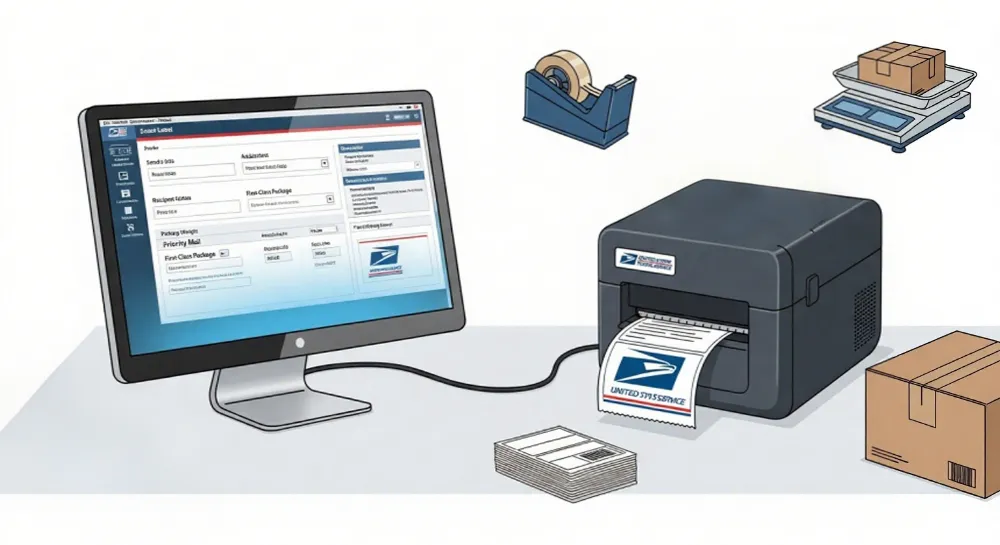
Printing USPS shipping labels online is fast and saves money. Anyone can do it by following a few easy steps. This works for both personal and business packages.
Set Up an Account
First, you need to make a free account on the USPS website. You can pick a personal or business account. After you sign up, log in to the Click-N-Ship portal. This portal lets you print USPS shipping labels from any computer. You only need a printer and internet. No special tools are needed.
Enter Package Details
Next, type in the address of the person getting the package. Add your own return address too. You must give the correct weight and size of your package. The system will ask what kind of box or envelope you are using. You also pick the USPS service you want, like Priority Mail or First-Class Package. It is important to be exact. If your package is heavier or bigger than you said, USPS might charge more or delay it. Use a digital scale and measuring tape to help you get it right. Many people use shipping software to make these steps easier and avoid mistakes.
Tip: Always check all the details before you pay. If you make a mistake, you might pay more or your package could come back.
Pay and Print
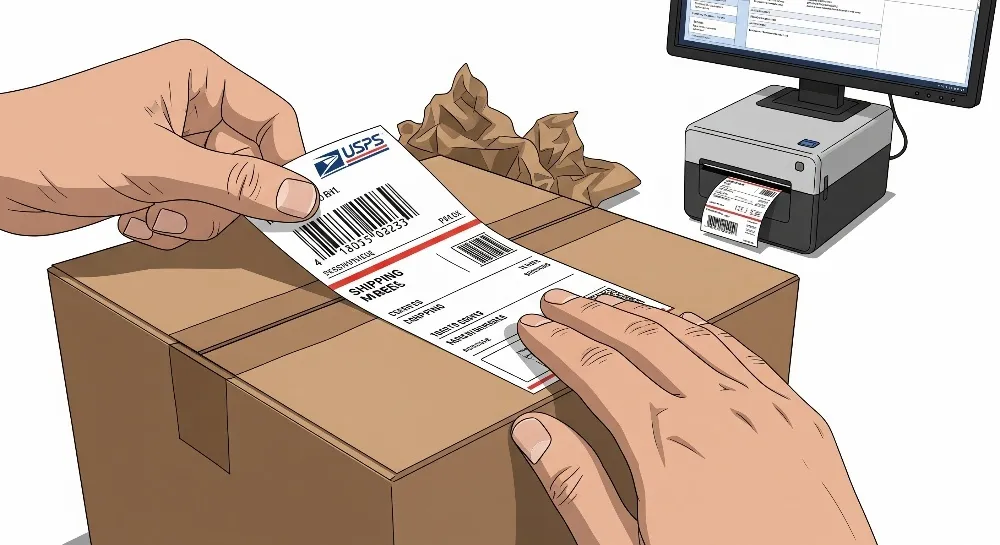
After you fill in everything, look at the shipping prices and delivery choices. You must pay for postage with a credit or debit card. Most people print USPS shipping labels at home on plain paper or sticky label sheets. This way, you get better prices and do not have to go to the post office as much. If you cannot print at home, you can pay a small fee to have the label mailed to you. When you have your label, stick it on your package well. Then you can take your package to a USPS place or ask for a pickup.
Printing labels at home helps you save money and avoid mistakes. It also makes it simple to track your package and keep up with orders.
Using USPS Shipping Labels
Drop-Off Options
After you print a shipping label, you have choices for sending packages. Many people take their packages to a USPS place. You can go to the post office counter or use a self-service kiosk. If you do not have a printer, you can use Label Broker. With Label Broker, you show a QR code at the post office. The staff will print the label for you. Some tools, like Rollo Ship, help you print many labels at once. These tools also help you plan your drop-offs better.
Take your package to any USPS post office counter
Use a self-service kiosk for fast service
Try Label Broker if you need a label printed at the post office
Use shipping apps to help with many packages
Tip: Drop off your packages early in the day. This helps them get shipped faster.
Schedule a Pickup
Some people do not want to go to the post office. They can ask USPS to pick up packages at their home or business. You can schedule a pickup online. USPS mail carriers will collect your packages during their normal route. This works for Priority Mail, Ground Advantage, returns with prepaid labels, and international packages. Most pickups are free. If you need a special time, you can pay for Pickup on Demand.
Shipping Service Type | Scheduling Method | Free Pickup | Pickup on Demand Fee |
|---|---|---|---|
Priority Mail® | Online USPS tool | Yes | Yes |
USPS Ground Advantage™ | Online USPS tool | Yes | Yes |
Returns (prepaid labels) | Online USPS tool | Yes | Yes |
International Shipments | Online USPS tool | Yes | Yes |
Other (Media Mail®, etc.) | Online USPS tool | Yes | Yes |
Note: To set up a pickup, enter your package details and pick a date. USPS will send you an email to confirm your request.
Tracking Shipments
Tracking lets you and the person getting the package see where it is. USPS gives free tracking with many shipping services. Priority Mail, Priority Mail Express, and First-Class Package Service all have tracking for free. Media Mail does not have tracking, but you can add it for a small fee. Some tracking extras, like Signature Confirmation, cost more.
USPS Service | Tracking Included | Extra Cost |
|---|---|---|
Priority Mail | Yes | $0 |
Priority Mail Express | Yes | $0 |
First-Class Package Service | Yes | $0 |
Media Mail | No | $0.90 |
Every shipping label has a tracking number. You can check your package online or with a mobile app.
USPS does not make you pay to make a shipping label online. But you still have to pay for postage and some extra services. Making labels online is cheaper than doing it at the post office. You also get more choices when you do it online.

A good shipping plan helps businesses save money. Here are some important steps:
Use online tools like USPS Price Calculator to check prices and avoid errors.
Weigh and measure your packages the right way to stop extra fees.
Pick easy label options to make work faster.
If you know about USPS fees and use the best tools, your business can save money and keep shipping costs steady.
FAQ
What is the difference between a shipping label and postage?
A shipping label shows where the package goes. It also has tracking information. Postage is the money paid to send the package. Both must be on USPS-approved shipping labels. This lets the package move through the mail system.
Can I see a shipping label example before printing?
Yes. Many online tools show a sample label before you pay. This helps you check the address, postage, and barcode for mistakes.
Does USPS charge extra for printing labels at home?
No. USPS does not charge extra for printing labels at home. You only pay for postage and special services you pick.
What happens if I enter the wrong weight or size?
USPS may charge more if your package is heavier or bigger than you said. Always check the weight and size before buying a label. This helps you avoid extra fees.
Are online USPS labels valid for all package types?
Most packages can use online USPS labels. Some special items, like hazardous materials, need extra steps. Always use USPS-approved shipping labels for safe delivery.