
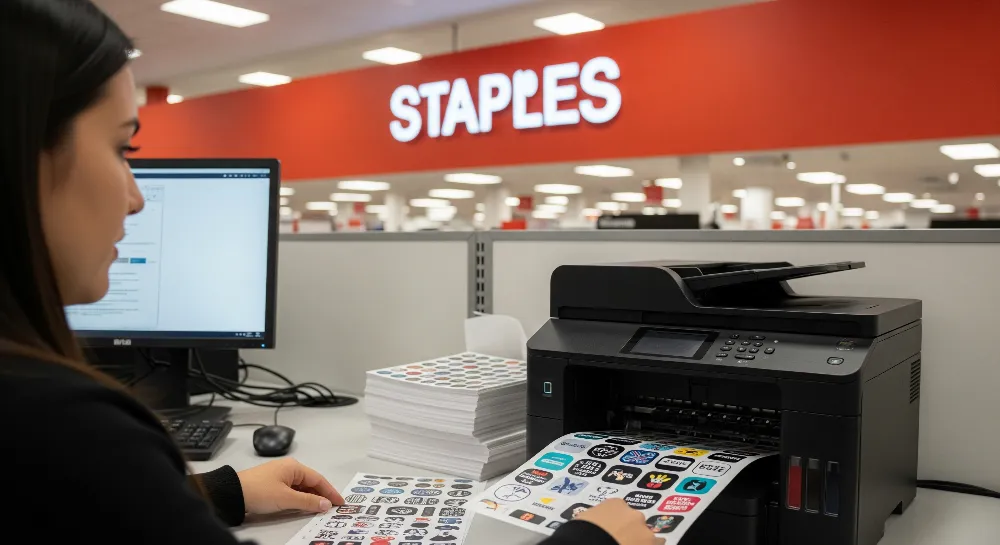
Yes, anyone can use Staples print services to make custom stickers on sticker paper fast and easy. Many beginners ask if they can upload their own designs or use templates. Staples lets you do both. Customers often want to know about sizes, finishes, and how long it takes. Production time can be the same day or up to a week. You can order in-store or online. Getting high-quality, weather-resistant stickers is simple for everyone.
Key Takeaways
Staples has different sticker paper types like matte, glossy, and clear. These work well for labels, crafts, and marketing. You can print stickers at Staples in the store or online. You can pick them up the same day or get them delivered in 5-7 business days. Use high-resolution files of 300 dpi or more for best results. Staples gives free templates to help you make sharp, professional stickers. Sticker prices change based on size, shape, paper type, and how many you order. If you order a lot, each sticker costs less. Follow easy printing tips and avoid common mistakes. This helps your stickers look good and last longer.
Sticker Paper at Staples
Types of Sticker Paper
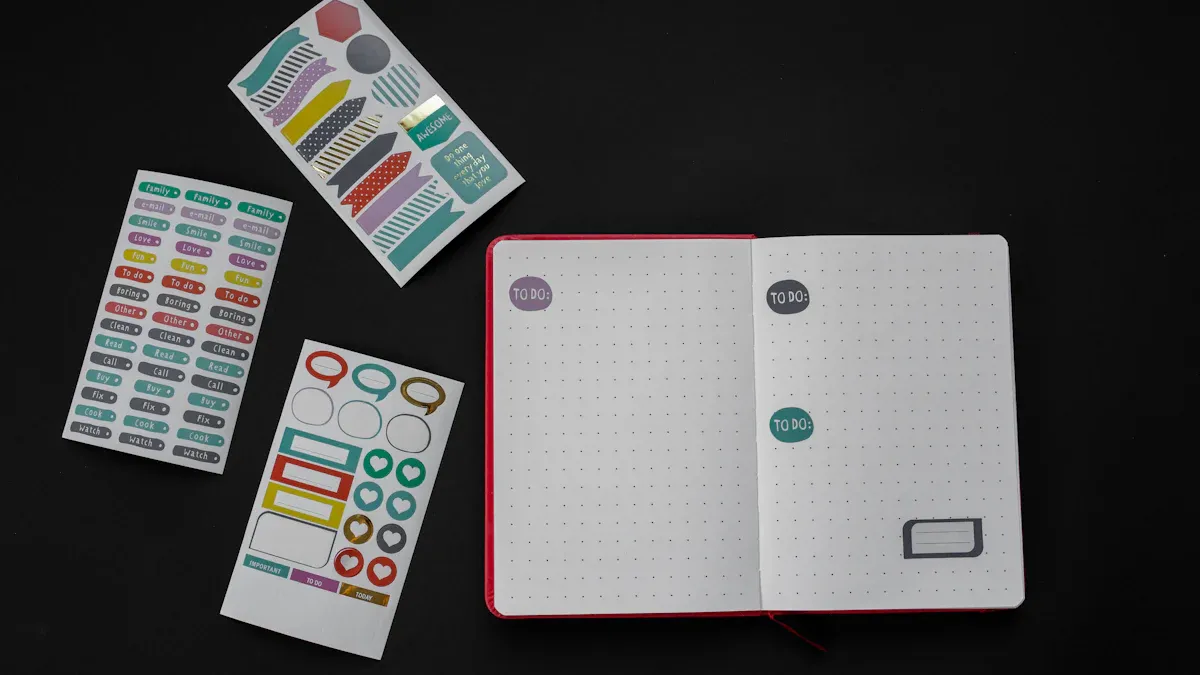
Staples has different sticker paper choices for customers. People use them for labels, crafts, or marketing. The most popular is Staples Sticker Paper. It has a white matte finish. Each pack has 30 sheets. You can use it with laser or inkjet printers. This makes it easy for anyone to print at home or at Staples. The adhesive lets you move stickers around. It does not leave sticky stuff behind. The paper is acid-free. This helps keep your designs safe for a long time.
Customers ask about other finishes too. Staples sticker paper comes in glossy, matte, and clear styles. Glossy paper makes colors bright and shiny. It is good for product labels and promo stickers. Matte paper is smooth and not shiny. You can write or draw on it easily. Clear paper lets designs blend into surfaces. People like it for window decals and see-through labels.
Attribute | Details |
|---|---|
Product Name | Staples Sticker Paper |
Size | 8.5″ x 11″ (US Letter) |
Finish | White Matte |
Quantity | 30 sheets per pack |
Adhesive | Removable (residue-free cleanup) |
Printer Compatibility | Laser and Inkjet printers |
Material | Paper |
Acid Free | Yes |
Waterproof | No |
Magnetic | No |
Label Shape | Rectangle |
Label Type | Specialty |
Use Cases | Tags, labels, stickers, logos |
Staples thinks about the environment when selling sticker paper. They offer eco-friendly choices. Some are made from recycled thermal paper. Others are BPA-free. These help protect nature. Some suppliers use renewable energy. They also try to use less packaging. Picking green sticker paper helps the planet.
Tip: If you want to compare sticker prices, check the materials and finishes first.
Common Uses
Sticker paper at Staples is used for many things. Businesses make stickers for branding and packaging. They also use them for giveaways. Teachers and students use stickers to organize and decorate. Crafters make stickers for scrapbooks, planners, and cards. Marketing teams print logo stickers and event badges.
Labels for jars, bottles, and boxes
Craft projects like scrapbooking and card making
Marketing items such as logo stickers and handouts
Address labels and shipping tags
Tools for organizing classrooms and offices
Staples sticker paper types help you pick what works best. Matte paper is good for writing. Glossy and clear paper are great for decoration and business. You can order at Staples or online. Choose the time that works for you.
Staples Print Process
How to Print In-Store
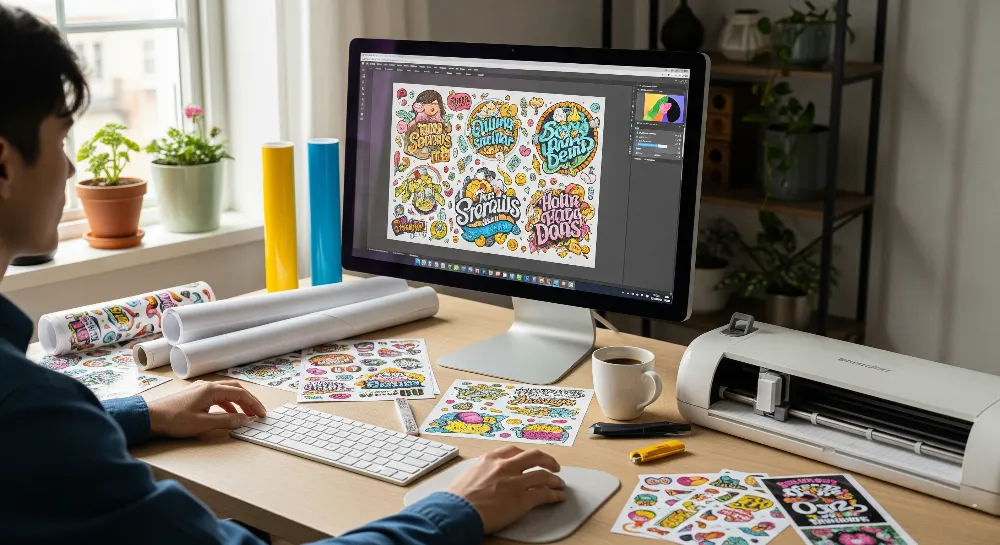
You can print stickers at any Staples store. The steps are easy and fast. Here is what you do:
Go to the Staples store and find the Print & Marketing Services counter.
Bring your design on a USB drive or email it to the store.
Pick the sticker paper type you want. Staff can show you matte, glossy, or clear sticker paper.
Choose the size and shape for your stickers. Staples has many choices, like:
8.5″ x 11″ sheets
Address labels
Circles, ovals, squares, rectangles, and special shapes
If you need help with layout, ask for free templates. Staff can help you use these templates for your design.
Look over your design with the staff. They will check if your file looks good and fits the template.
Tell them how many stickers you want to order.
Pay for your order at the counter.
Note: Some stores can finish simple sticker orders the same day. Big or custom orders might take 5-7 business days.
Staples uses high-quality printers for label printing. You will get sharp images and bright colors. Staff check each print to make sure it looks good before giving it to you.
How to Print Online
You can also order stickers from Staples online. This is good if you want to order from home or work. Here is how you order stickers online:
Go to the Staples website and pick “Labels & Stickers” under Print & Marketing Services.
Pick the sticker paper type and shape you want. Choices include:
Rectangle, square, circle, oval, octagon, triangle, and more
Sheet sizes like 8.5″ x 11″, 11″ x 17″, 12″ x 18″, and 13″ x 19″
Download a free template for your size and shape. Templates work with Microsoft Word and Adobe PDF.
Make your sticker design using the template. Staples has an online design tool to help you customize your sticker.
Upload your finished file. Staples takes PDF, JPG, PNG, and TIFF files.
Make sure your file is at least 300 dpi for the best print quality.
Check your design and pick how many stickers you want.
Choose to pick up your order at a store or have it delivered to your address.
Finish your order and pay online.
Tip: The online design tool helps you print stickers with color all the way to the edge. There are over 300 templates for different needs.
Staples print services online let you pick from many sticker paper types and shapes. The steps are easy for beginners. You can print one sticker or many on each sheet.
Order Pickup and Delivery
Staples gives you different ways to get your sticker order. You can pick what works best for you.
Same-Day Pickup: Many stores let you pick up standard sticker orders the same day. If you order early, your stickers may be ready by the afternoon.
Standard Turnaround: Custom shapes or big orders can take 5-7 business days.
Delivery: Staples can send your stickers to your home or business. Delivery time depends on where you live and how big your order is.
Option | Turnaround Time | Details |
|---|---|---|
Same-Day Pickup | Same day | For standard sizes and quantities |
Standard Pickup | 5-7 business days | For custom shapes or large orders |
Delivery | 5-7 business days | Shipped to home or business address |
You can check your order status online or call the store.
Staples print services use professional printers and good sticker paper. You will get clear images, bright colors, and strong adhesive. Staples label printing services help everyone get great stickers every time.
For the best stickers, use high-resolution files (at least 300 dpi) and save your design as PDF, JPG, or PNG. Staples sticker paper types and free templates make it easy to make professional stickers. Comparing Staples custom sticker cost with other online options helps you find the best deal for your needs.
Prepare Your Design
File Requirements
Staples print services let you use many file types for stickers. You can use both vector and raster formats. The most common file types are:
PDF
AI (Adobe Illustrator)
EPS
PSD (Adobe Photoshop)
TIFF
JPEG
PNG
Vector files like AI, EPS, and PDF keep images sharp at any size. Raster files such as JPEG, PSD, and TIFF need to be high resolution. They should be at least 300 dpi so prints are not blurry. Staples suggests using CMYK color mode for the best colors. RGB files might look different when printed.
Staples label printing works with popular design software. Many people use Microsoft Word, WordPerfect, and Avery LabelPro. These programs help you make and format labels easily. Avanquest MyLabel Designer Deluxe and Avery Design & Print are also good choices. They have templates and tools for making professional stickers.
Design Tips
A good design makes stickers look clear and professional. Staples sticker paper types work with many design styles. Here are some tips for the best results:
Specification | Recommendation | Purpose |
|---|---|---|
Resolution | 300 dpi minimum for images | Prevents blurry or pixelated prints |
Color Settings | Use CMYK color mode | Ensures accurate print colors |
Bleed | Add 1/8 inch (0.125″) beyond cut line | Avoids white edges after trimming |
Safe Area (Margin) | Keep text/logos 1/8 inch inside cut line | Protects important content from being cut off |
Cut Line | Outline with 1/8 inch buffer | Marks where the sticker will be cut |
Tip: Download free templates from Staples to match your sticker size and shape. Templates help you set up bleed and margins the right way.
Print Quality
Staples print services use good printers for great results. You will get sharp images and bright colors on all Staples sticker paper types. Using the right file format and settings keeps the quality high. Staples label printing checks each order to make sure it is correct. Most stickers look the same on every sheet, so you get reliable results.
Picking the right design and file type can change the Staples custom sticker cost. High-resolution files and good setup lower mistakes, saving time and money. Comparing Staples custom sticker cost with online options helps you find the best deal.
Staples Print Cost & Timing
Pricing Overview
Staples print services have prices that can change. The price depends on a few things. The type of paper and finish can make it cost more. Glossy or matte finishes change the price. Thicker paper costs more than thin paper. Sticker size matters too. Bigger stickers use more paper and cost more. The sticker shape can also change the price. Circles or special shapes may cost extra. How many stickers you order is important. If you order a lot, each sticker costs less. Printing in bulk saves money.
Other things can change the price too. Using lots of ink can make it cost more. If printers need fixing, that can raise the price. Staples uses good printers to keep prices fair. Most customers find the cost reasonable.
Here is a table that shows what changes the price:
Factor | Impact on Price | Example |
|---|---|---|
Size | Larger = Higher cost | 8.5″x11″ sheet vs. small label |
Shape | Custom = Higher cost | Circle vs. rectangle |
Quantity | Bulk = Lower unit cost | 10 sheets vs. 100 sheets |
Paper Type | Premium = Higher cost | Glossy vs. matte |
Tip: You can check Staples sticker prices and compare them with online stores to get the best deal.
Turnaround Time
Staples print services work fast for most sticker orders. You can get same-day pickup for regular sizes and amounts. If you order early, you might get your stickers by afternoon. Special shapes or big orders take more time. Most orders take five to seven business days.
Staples sticker paper and quick printing help make things faster. You can get delivery, but shipping time depends on where you live and how much you order. Staples keeps you updated about your order. Fast pickup at the store makes Staples good for rush jobs.
Sticker Printing Tips
Best Practices
Printing stickers at Staples or at home is simple if you follow easy steps. People want their stickers to look nice and last long. This checklist helps you get great stickers:
Pick a printer with at least 1200 dpi for clear pictures. Printers with more ink cartridges, like the Canon PIXMA Pro-200, make colors brighter.
Always use the highest print quality setting in your printer menu. This makes your stickers look bold and sharp.
Choose the right paper setting, like glossy photo paper, to match your sticker paper. This helps the ink stick well.
Let your stickers dry for 15 to 20 minutes before you touch or cut them. This stops smears and keeps colors bright.
Keep your ink cartridges full so colors do not fade. Compatible cartridges can save money and still work well.
Use die cutting for custom shapes. Staples label printing services offer die cutting for a pro look.
Break up big blocks of color in your design. This stops uneven printing and keeps stickers smooth.
Download and use templates for Avery or Staples sticker paper types. Templates help line up your designs and stop mistakes.
Print a test sheet on plain paper before using sticker paper. This checks if things line up and saves your sticker paper.
Tip: Always check that your sticker paper matches your printer type. Using the wrong paper can hurt your printer or mess up your stickers.
Avoiding Mistakes
Many beginners make easy mistakes when printing stickers. Knowing what to avoid saves time and money. Here are common mistakes and how to stop them:
Mistake | How to Avoid |
|---|---|
Using low-resolution images | Set image resolution to at least 300 dpi |
Ignoring bleed and margins | Add 1/8 inch bleed and keep text inside margins |
Loading paper incorrectly | Follow printer instructions for sticker paper |
Reprinting on the same sheet | Use a new sheet for each print job |
Not checking paper compatibility | Match sticker paper to printer type |
Skipping test prints | Print on plain paper first to check alignment |
Staples sticker paper types work best if you follow these tips. Staples label printing services help with die cutting and templates. Comparing Staples custom sticker cost with online options helps you find the best deal for your project.
Making stickers at Staples is fast and simple for beginners. You just follow easy steps and use free templates. You can also pick same-day pickup if you need your stickers quickly. Many people think this way is flexible and easy to use.
Experts say Staples stickers look nice but might not last outside or for a long time.
Other companies like 4OVER4.COM have stronger sticker materials and clearer prints. They also give you more ways to design your stickers.
Don’t forget to look for same-day pickup and use templates to help your project. If you need strong, professional labels for your business, you might want to check other companies for better deals.
FAQ
Can Staples print on different sticker paper types?
Staples has many sticker paper types. You can pick matte, glossy, or clear finishes. Each finish is good for different uses. Staples staff can help you choose the best one for your project.
How much does Staples custom sticker cost?
The price for Staples custom stickers changes by size, shape, paper, and amount. If you order a lot, each sticker costs less. Special finishes or shapes can make the price go up. You can check Staples prices and compare them with online stores to save money.
What file formats does Staples accept for sticker printing?
Staples label printing services take PDF, JPEG, PNG, TIFF, and AI files. High-resolution files (at least 300 dpi) look the best. Staples gives free templates to help you set up your design.
How fast can Staples print custom stickers?
Staples can do same-day pickup for regular sticker orders. Custom shapes or big orders can take 5-7 business days. You can also get delivery. You can check your order online or call the store.
Are Staples stickers waterproof or weatherproof?
Most Staples sticker paper types are not waterproof. They work best inside. For outdoor or tough use, you may want to check other companies that have weatherproof stickers.