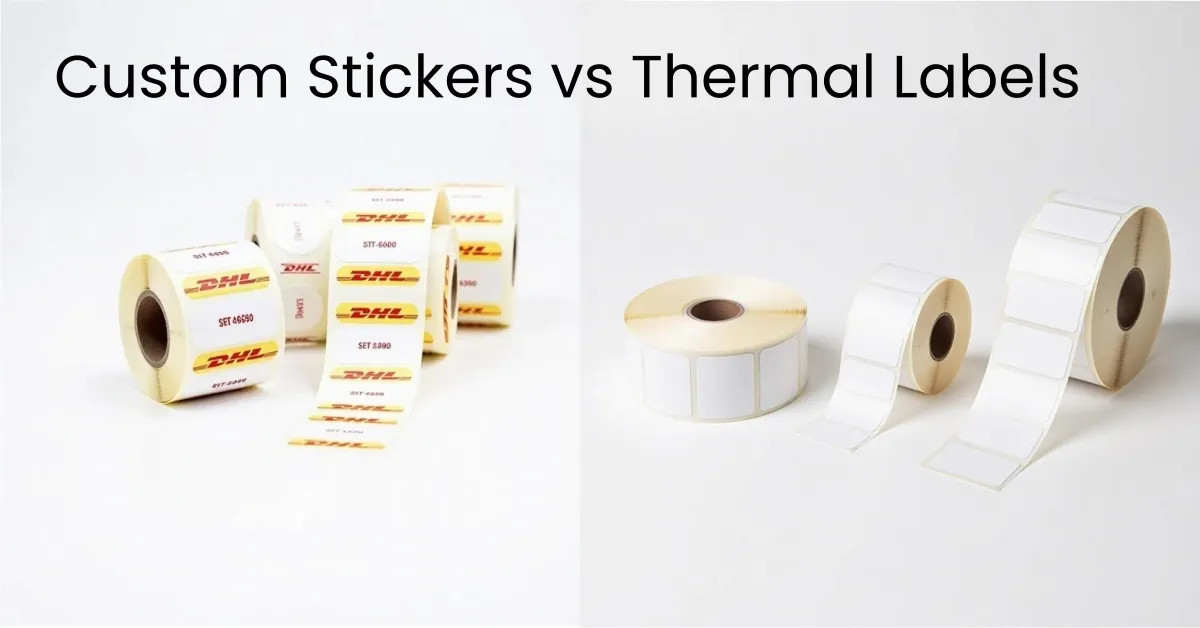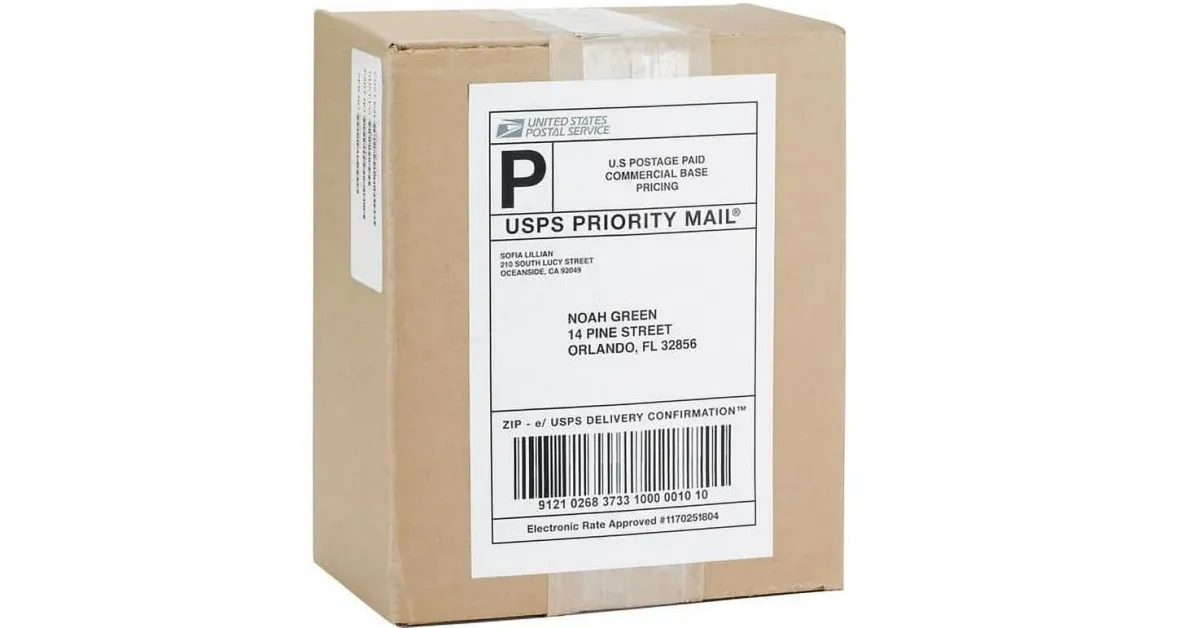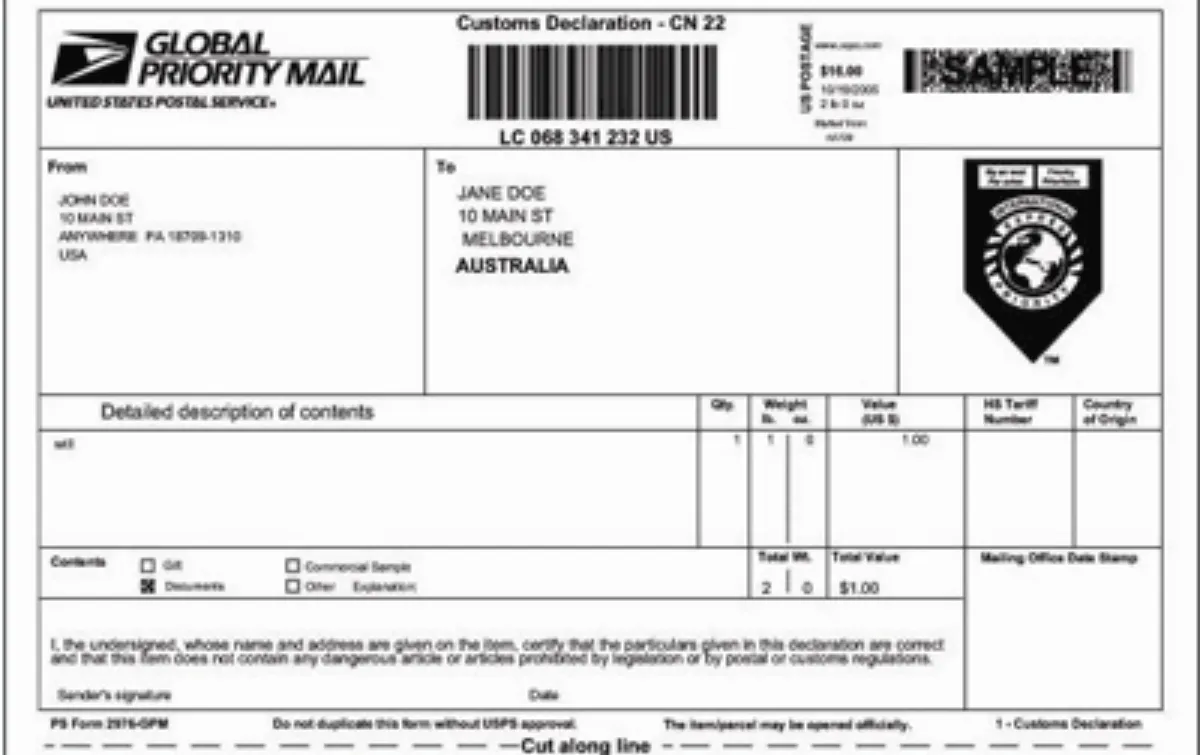

Key Takeaway:
The short answer is no. You cannot print thermal labels with a regular printer.
Print thermal labels require heat-sensitive materials and must be done using a thermal printer. These printers use heat instead of ink or toner to create sharp images on special labels. Some people might try to print thermal labels using thermal paper in a regular printer, but this will not produce clear or lasting results.
Aspect | Thermal Printers (for print thermal labels) | Regular Printers (for labels) |
|---|---|---|
Printing Technology | Uses heat to activate special label coating | Uses ink or toner |
Ink or Toner Usage | Usually no ink or toner needed | Requires ink or toner cartridges |
Key Takeaways
Thermal labels are made with special heat-sensitive materials. You must use thermal printers to print them. Regular inkjet or laser printers will not work for these labels.
Thermal printers use heat to make labels clear and fast. The labels are strong and last a long time. Regular printers use ink or toner. Ink or toner can smudge or fade on thermal labels.
If you use regular printers with thermal labels, the print may look bad. The printer can jam or even get damaged.
For shipping labels, thermal printers help save money over time. They do not need ink or toner. The labels stay strong through rough handling and bad weather.
If you only print labels sometimes, you can use regular printers. Make sure to use labels made for inkjet or laser printers. If you need many labels or want them to last, pick a thermal printer.
What Are Thermal Labels?
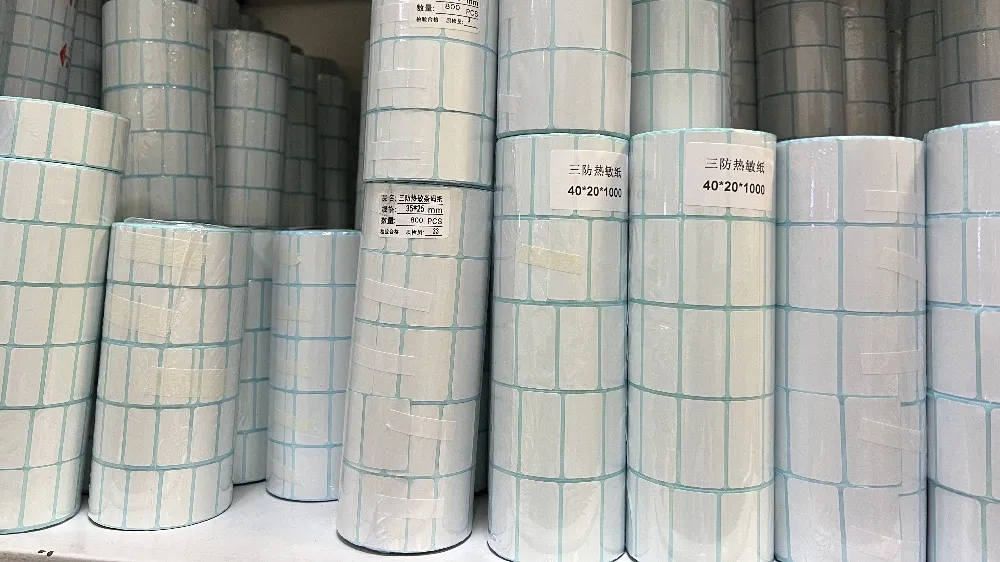
Thermal Labels Explained
Thermal labels help businesses print labels quickly and clearly. These labels work with heat, not ink or toner. A thermal printer uses heat to make words or pictures on the label. Many companies use thermal labels for shipping and keeping track of products. They are fast and easy to read.
There are two main kinds of thermal labels. One kind is direct thermal labels. These have a special coating that gets dark when heated. The printer makes pictures right on the label. The other kind is thermal transfer labels. These use a ribbon with wax or resin. The printer heats the ribbon and melts the ink onto the label. This works with many materials like paper and plastic. Thermal transfer labels last longer and can handle rubbing and chemicals.
Tip: Pick direct thermal labels for short-term jobs. Use thermal transfer labels when you need labels to last longer.
Label Type | Materials Used | Printing Mechanism | Advantages | Disadvantages |
|---|---|---|---|---|
Direct Thermal | Paper, film, fabric, plastic, polyester, polypropylene | Heat-sensitive coating darkens when heated by printhead | Cheap; no ribbon needed | Image fades; not very strong |
Thermal Transfer | Face stock plus ribbon (wax, resin, wax-resin) | Printhead heats ribbon ink, which melts and transfers onto label | Strong; resists rubbing and chemicals | Needs ribbon changes |
How Thermal Printers Work
A thermal printer has three main parts. The thermal head gets hot. The platen is a rubber roller that moves the label. The spring pushes the label against the thermal head.
When you put a thermal label in the printer, the thermal head heats up certain spots. For direct thermal labels, the heat makes the coating turn dark. This shows words or pictures. For thermal transfer labels, the printer heats the ribbon. The ink melts and sticks to the label. This makes labels that are clear and strong.
Thermal printers work fast and do not need ink or toner. This means less fixing and less waiting. Businesses like thermal printers because they print lots of labels quickly and always look good.
Why Not with Regular Printers
Print Thermal Labels: Technology Differences
Printing labels looks easy, but the machines are different. Regular printers use ink or toner to make labels. Thermal printers use heat to make pictures on special labels. This difference causes problems if you use a regular printer for thermal labels.
Printer Type | Technical Limitations Preventing High-Quality Thermal Labels |
|---|---|
Inkjet | – Barcodes may look blurry |
Laser | – Only works with some paper labels |
A thermal printer uses heat to make the label’s coating show words or pictures. Inkjet printers spray ink. Laser printers use heat to stick toner to the label. These ways do not work well with thermal labels. Thermal printers can print at 230, 300, or 600 dpi. This is good for barcodes and shipping labels. Inkjet printers can print at high resolutions. But they are not made for fast, tough, and black-and-white label printing.
Note: Thermal printers are faster and save money when printing lots of black-and-white labels. They are best for shipping and barcode labels.
Compatibility and Print Quality
Problems happen when people try to use regular printers for thermal labels. Thermal label stock needs a special printer. Using thermal labels in inkjet or laser printers can make the print look bad. It can also jam the printer or break it. Some printers, like DYMO LabelWriter 5 Series, use RFID chips. These chips stop you from using other brands of thermal labels.
Thermal label stock needs a direct thermal printer. Regular printers cannot use heat to make the label work.
Using the wrong printer can cause crooked prints, smudges, fading, and weak sticking.
Wrong labels can jam the printer, wear it out, or break it.
Print quality is a big problem. Labels from regular printers can smudge or fade. Inkjet printers use wet ink. If the label does not soak up the ink, it can smear. Laser printers stick toner to the label, but the images do not last as long as thermal printer labels. Thermal transfer printers make sharp, clear, and strong labels. These labels do not smudge or fade. They also stand up to water, heat, and rough handling better than inkjet or laser labels.
Cause/Explanation | Suggested Solution | |
|---|---|---|
Wrong Print Temperature | Thermal paper needs the right heat; not enough heat makes light or missing prints. | Change printer settings to match the paper; do not use too much heat. |
Dirty Print Heads | Dust or dirt stops heat from working right, so prints look bad. | Clean print heads often with a soft cloth or alcohol cleaner. |
Bad Thermal Paper | Weak coating or glue makes blurry or uneven prints. | Use good paper that matches your printer; test before buying a lot. |
Bad Storage | Wetness, sunlight, or heat can ruin the thermal coating and fade prints. | Keep paper in cool, dry places away from sunlight. |
Label Problems | Sticky glue or uneven backing can make pressure uneven. | Pick the right label and glue; ask experts for help with custom labels. |
Using regular printers for labels can cause many problems:
Prints can fade or look unclear, making barcodes hard to scan.
Paper jams can happen if the paper is loaded wrong or rollers are old.
Bad feeding can make prints crooked or cut off.
Too much heat and dust can hurt the printer.
Software or driver problems can stop labels from printing right.
Thermal printers match the right machine to the right label. This gives good prints every time. Businesses that print thermal labels for shipping, barcodes, or inventory should use thermal printers. This choice gives strong, fast, and professional labels.
Label Printing Alternatives
Print Shipping Labels with Regular Printers
Many small businesses and people at home need to print shipping labels. They might not have a thermal printer. They can use a regular printer like inkjet or laser. There are special sticky labels made for these printers. Inkjet labels soak up ink fast. This stops smudges and makes bright prints. Laser printer labels can handle high heat. They use strong materials like polyester or polypropylene. These labels last longer and do not get ruined by water or chemicals. Both kinds come in matte, shiny, and waterproof styles. You can pick labels that stick forever or ones you can remove.
Tip: Always use the right label for your printer. Using the wrong label can jam the printer. It can make prints look bad or even break the printer.
When printing shipping labels with a regular printer, think about where you will use them. If labels get wet, hot, or scratched, they might fade or peel off. Regular printer labels do not last as long as thermal transfer labels. This is important for shipping or tracking. To get the best results, test a few labels first before printing a lot.
Inkjet vs. Laser for Labels
Picking between inkjet and laser printers depends on what you need. Inkjet printers make bright pictures and work well for small jobs. But ink can smear if it does not dry. Laser printers print fast and make clear words. They are good for lots of labels like shipping or barcodes. Laser labels do not get ruined by water or chemicals as easily as inkjet labels.
Feature | Inkjet Printers | Laser Printers |
|---|---|---|
Print Quality | Bright colors, photos | Clear text, strong |
$0.08 – $0.15+ | ||
Speed | Slower | Faster |
Durability | Can smudge | Water and chemical safe |
Using the wrong label can make it peel, fade, or jam the printer. Always pick the right label and glue for your printer and job. Test labels before printing a lot to avoid mistakes.
Thermal Printer for Shipping Labels
When to Use a Thermal Printer
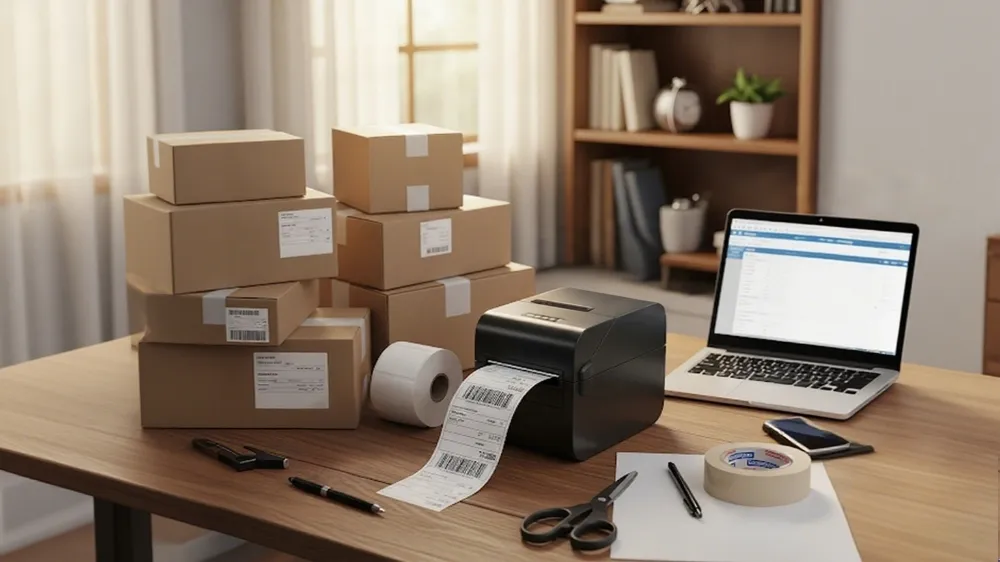
Many businesses pick a thermal printer for shipping labels. They do this when they need fast and accurate printing. Warehouses and shipping centers print thousands of labels every day. A thermal printer for shipping labels can handle lots of work easily. Direct thermal printers are good for daily shipping labels. They print quickly and help save money. Thermal transfer printers make strong labels. These labels last through rough use and bad weather.
Stores use a thermal printer for shipping labels at checkout. This helps them print receipts and labels fast. Hospitals and factories use thermal printers too. They need clear and quick labels to keep track of items and stay safe. Online shops use a thermal printer for shipping labels to ship orders on time. These printers make labels that are easy to scan. This helps with sorting and tracking packages.
Tip: Pick a thermal printer for shipping labels if you print hundreds of labels each week or need labels that last through shipping, storage, or outside weather.
Some reasons to use a thermal printer for shipping labels are:
Reliable barcode and shipping label making for online stores.
Strong labels for products that face heat, chemicals, or rough use.
Easy to connect with shipping and warehouse software.
Cost and Durability
A thermal printer for shipping labels helps save money over time. These printers do not need ink or toner. This means you spend less on supplies. Thermal paper costs less and is easy to buy. Thermal printers have fewer moving parts. This means less fixing and fewer repairs. A thermal printer for shipping labels uses less power. This helps lower your electric bill.
Cost Aspect | Thermal Printer for Shipping Labels | Regular Printer for Labels |
|---|---|---|
Consumable Costs | Needs ink or toner cartridges | |
Maintenance | Minimal; fewer moving parts | Frequent cleaning and repairs |
Energy Consumption | Low | Higher |
Printing Speed | Fast; ideal for high-volume tasks | Slower |
Thermal labels last longer than most inkjet or laser labels. Thermal transfer labels can stand up to water, chemicals, and sunlight. These strong labels work well for products in tough places. A thermal printer for shipping labels makes labels that stay clear and easy to read. Most thermal printers work for five to seven years if you clean them sometimes. This long life makes them a good choice.
Note: If your business prints thousands of shipping labels each year, a thermal printer for shipping labels saves money and makes stronger labels than regular printers.
Regular printers do not make labels as strong or clear as a thermal printer for shipping labels. If a business prints lots of labels or needs labels that last, it should use a thermal printer for shipping labels. This kind of printer works fast and makes sharp labels. It also costs less to use. A thermal printer for shipping labels is easy to connect and move around. People who print labels once in a while can use regular printers with sticky label sheets. If you want to print shipping labels at home, you can use programs like USPS Click-N-Ship® or PitneyShip®.
A thermal printer for shipping labels helps people do shipping, barcodes, and inventory jobs better and faster.
Think about how good the print looks, how fast it prints, how much it costs, and how it affects the environment before you pick a printer.
Want better labels? Look at thermal printer for shipping labels choices to make your label printing easier.
FAQ
Why don’t thermal labels work in regular inkjet or laser printers?
Thermal labels need heat to show pictures. Inkjet and laser printers use ink or toner. They do not use heat. The special coating on thermal labels does not react. This makes the print look blank or hard to see.
Can you use thermal transfer labels in a direct thermal printer?
No, direct thermal printers cannot use thermal transfer labels. Thermal transfer labels need a ribbon and a different way to print. Using the wrong label type can break the printer or waste supplies.
Is thermal printing more expensive than regular printing?
Thermal printing usually costs less over time. Thermal printers do not need ink or toner. The main cost is buying label rolls. For big jobs, thermal printing saves money and needs less fixing.
What labels can someone use with a regular printer?
People can use adhesive labels made for inkjet or laser printers. These labels come in sheets. They work well for shipping, address, or product labels. Always pick the right label for your printer to get the best results.